
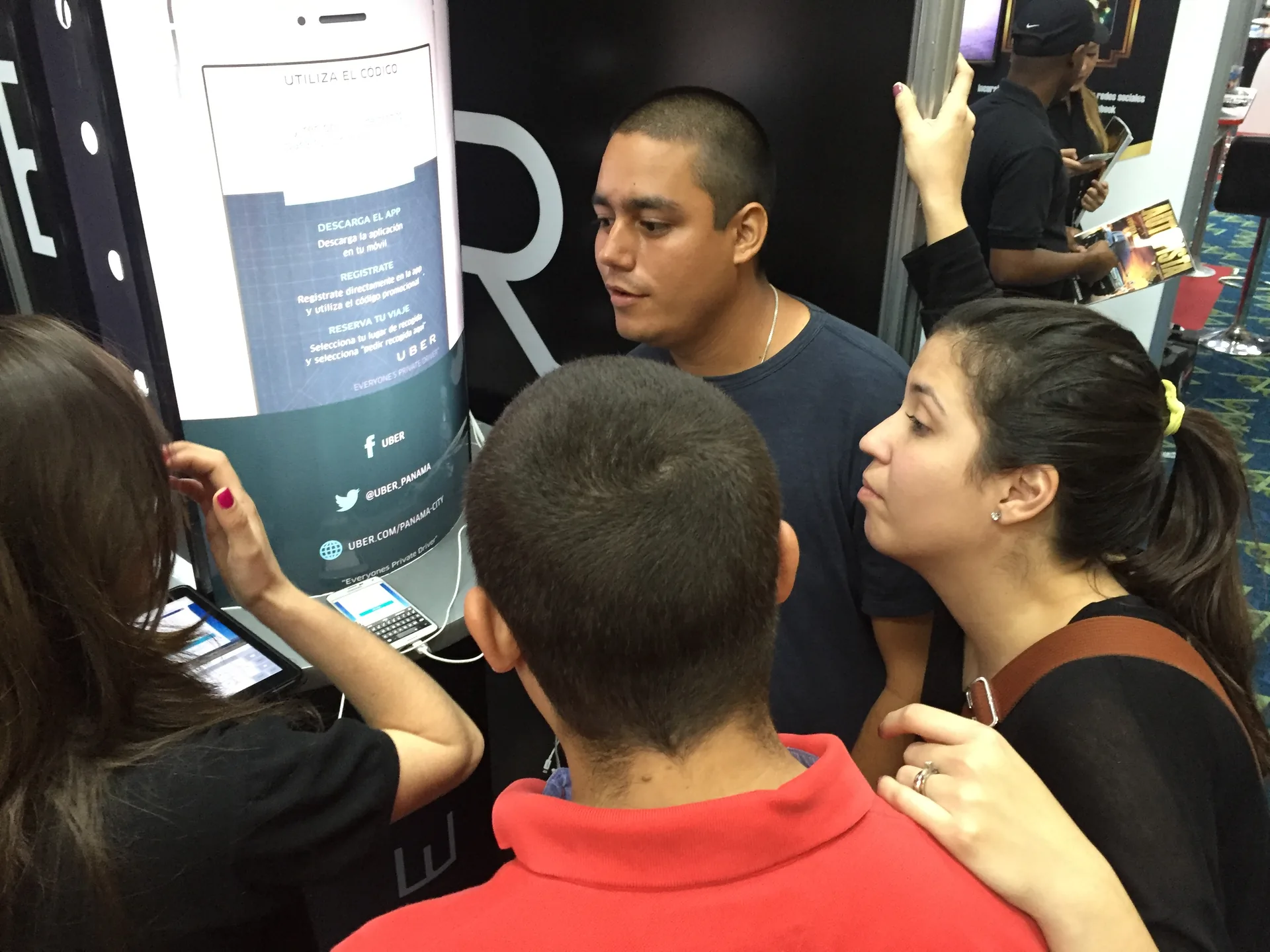

Why use interactive screens at an event
The screen should help the visitor accomplish a task. It can help them compare options, explore a demonstration or find a room. Before renting equipment, write down what the person will be able to do and why it will be useful to them. A touch-responsive surface does not create a brand experience on its own.
The goal needs a recognizable action. “Modernizing the stand” describes an organizer's intention, rather than an audience need. “Comparing two solutions and asking for an explanation” offers a more specific journey. That difference helps determine what information to show, how much time to allow and who will answer the questions that arise.
Start with a small, complete interaction. Our guide to live marketing asks what the person will be able to understand, how they will know what to do and how they can leave. Those questions also work in front of a screen: a clear invitation, an understandable response and a visible exit are worth more than an endless menu.
The context changes how people participate. A quiet conversation allows people to explore details; a line of attendees calls for a brief task. Observe lighting, noise, distance and circulation before choosing the format. A wayfinding screen is different from equipment intended for a guided demonstration.
Demonstrating a product without turning it into an endless catalog
A demonstration should answer a specific question. For example, a visitor can compare how a solution is configured according to their needs. Present the relevant options first, then the details. Avoid asking them to discover an entire application on their own while others wait their turn to approach the equipment.
The script defines what the person does and what the team explains. You can let the visitor choose a scenario while a host answers questions. If the screen only plays a sequence, describe it as an audiovisual demonstration. Do not call an animation interactive when it offers the audience no decision.
Check the content on the equipment you will use. An application designed for a phone may need adapting to a vertical monitor or a kiosk. Check orientation, resolution, controls, licenses and connectivity. Do not assume a program will work on any device simply because both have a touch surface.
End the demonstration with a useful choice. It might involve exploring another option, talking to someone or taking away related reading. The exit should retain the context of what the person has just seen. Requesting personal data need not be the mandatory ending of every demonstration.
Interaction needs space and support
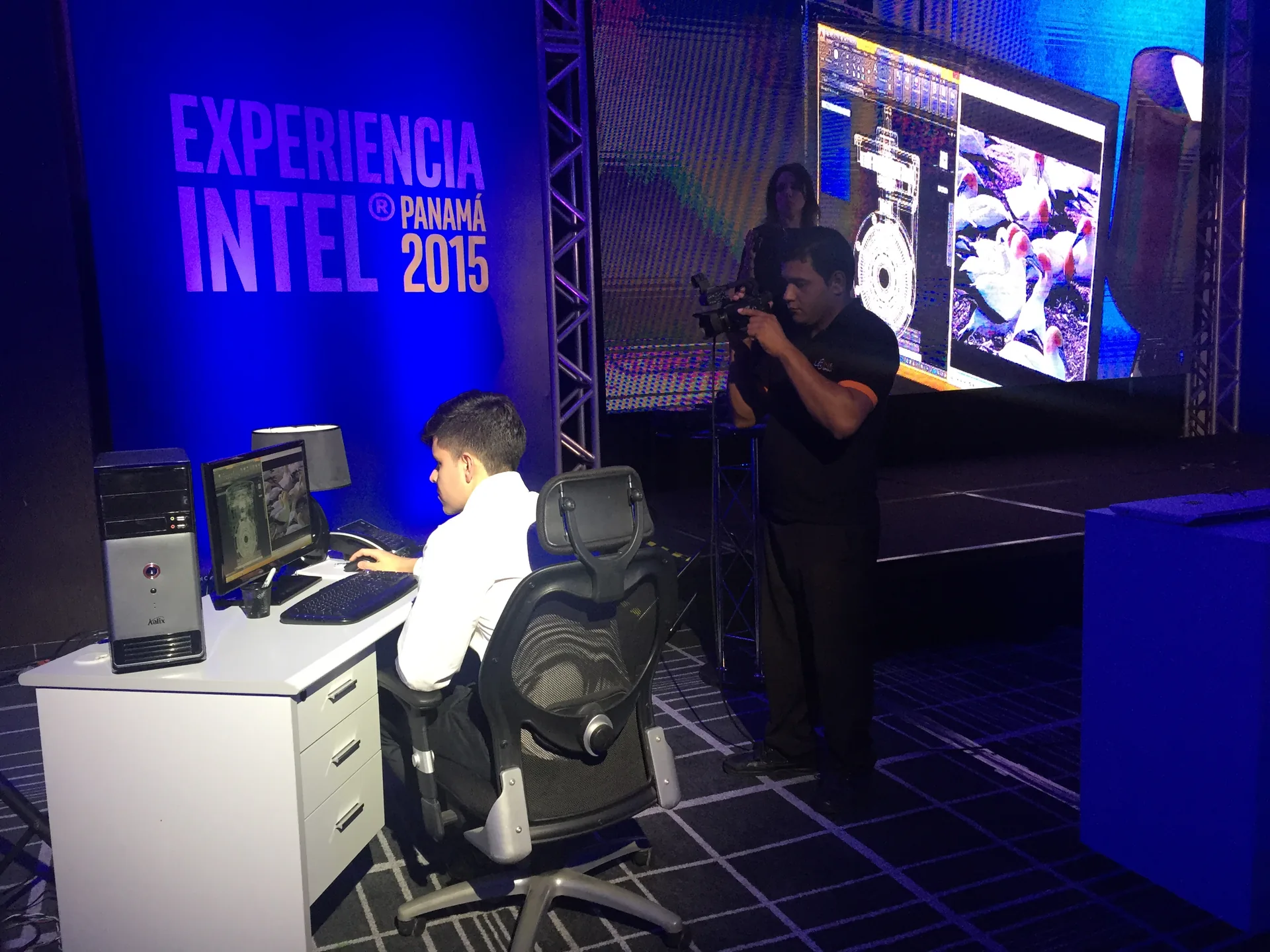
Games and interactive screens with a connection to the brand
The game needs a relationship with the message. A brief challenge can teach a difference or invite people to recognize a situation. If it simply adds points to an activity unconnected to the offer, it may provide entertainment, but does not explain what the brand wanted to communicate during the encounter.
Explain the rules before starting. State what the person must do, when it ends and what they will receive on completion. If there is a prize, its conditions must be available and reviewed. Avoid surprises such as requiring an email address after the game when that condition was not explained at the beginning.
Use mechanics and materials you are entitled to use. A spinning wheel, a question or a comparison are general interaction ideas; copying characters, music or designs from a commercial game is a different decision. Review the specific assets and their permissions. Familiarity with a reference does not grant authorization to reproduce it.
Voluntary participation also includes stopping the game. Show an exit option and avoid exposing personal mistakes on a public screen. You can offer a guided demonstration to someone who prefers to observe. The design should allow different ways of approaching it, without turning curiosity into an obligation.
Providing directions and information people can understand
A wayfinding kiosk should provide quick answers. Place the most sought-after options first: the agenda, rooms, schedules or event services. Show when the information was updated and who can correct it. An attractive map stops helping if the room changes and no one controls that version.
The speaker's presentation needs its own rehearsal. If they will explore a chart or collect questions, agree on who controls each action. Check that the audience can read the content from where they are. An interactive screen does not eliminate the need for a clear talk or a supporting sequence.
Adapt the piece to where it will be seen. Our guide to visual content explains why cropping, hierarchy and the amount of text change according to the medium. At an event, also review reflections and height. A design legible on a desktop may become confusing when placed behind a line of people.
Controls should be distinguishable and easy to activate. The W3C explanation of target size relates size and spacing to errors when selecting controls. Use it as a reference for the web interface, rather than a certificate for the installation. Physical access to the kiosk needs its own check in the space.
four questions for designing the interaction

Preparing access, operation and a fallback
Interaction should not depend on a single gesture. For web content, W3C explains keyboard access as an alternative to pointer actions. Review the journey with the planned devices and consider human assistance. A large button does not, on its own, address every access need.
The installation must be tested as a complete journey. Start outside the stand, read the invitation, approach and carry out the task. Then check the exit and reset for the next person. This test detects problems that do not appear when reviewing isolated screenshots from an office.
Operation needs an owner and a backup plan. Agree on who restarts the equipment, updates the agenda or handles an interruption. If connectivity fails, a guided explanation or local material can preserve part of the experience. Rehearse that alternative; do not leave it as a phrase in the document.
Keep each participant's information separate. At the end of a session, check that the next visitor cannot see previous answers, names or data. Also review what happens if someone abandons the screen halfway through the journey. Clearing a shared session is a specific task, rather than a detail to leave until later.
Registration and measurement without confusing a touch with interest
Participating does not mean agreeing to commercial follow-up. If the experience offers a form, explain its purpose and let the person review the information before submitting it. Distinguish a specific inquiry from future communications. Do not preselect consent options or use participation as a substitute for a choice.
Decide what to observe before opening the event. You can review tasks started and completed, common questions or points where people leave. Define what counts as a session and how resets are handled. Without those rules, several touches by the same person may end up being presented as different visitors.
A signal describes something, but does not explain everything. Completing a game does not demonstrate understanding; requesting information does not guarantee a sale. Accompany each count with its context and limits. The team's observations can help identify a confusing instruction without turning an anecdote into a conclusion about the entire audience.
Close the learning process with a specific improvement. Bring together questions, failures and operating decisions. Choose an adjustment you can check again: simplifying an option, changing the location or clarifying the final invitation. This makes interactive screens part of an experience the team can understand and improve.
Documentation and editorial judgment
W3C WAI · Minimum target size. Explanation of the criterion for web interface controls; it does not substantiate complete accessibility or certify an event installation.
W3C WAI · Keyboard access. Reference for alternative inputs in web content. It is not a validation of the hardware or the results of a GX experience.
Frequently asked questions
Is a large screen automatically interactive?
No. Interaction requires an action that changes or explores the content. A screen playing a video can be useful, but serves a different function. Define the task first, then the device and program that will make it possible.
Is requesting data mandatory for the experience to work?
No. A demonstration, map or game can provide value without capturing personal data. If a later inquiry is offered, explain its purpose and allow the person to review it before submitting it. Keep participation, inquiry and future communications separate.
What should I test before the event?
Test the complete task on the planned equipment and in the planned location: reading, controls, access, exit and reset. Include connectivity failures and abandoned sessions. Assign operation to a person and also check the alternative you will offer if the system is interrupted.
How do I know whether the screen helped?
Relate the observation to the initial task. Review whether people could complete it and what questions arose. Document the definition of each count and its limits. Do not turn touches or completed games into sales, unique individuals or satisfaction without additional evidence.
From this idea to your next project
Tell us what you want to achieve. The guide will help you organize your inquiry; you can review and correct it before anything is sent.
Prepare your project with GX